

Category: How To
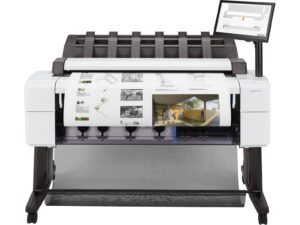
🛠️ HP DesignJet T2600 Troubleshooting Guide Printer Won’t Turn On Possible causes: Power cable loose or faulty Internal power issue Fix: Check power cable on both e...
HP DesignJet Troubleshooting Guide: Identify Printer Problems Fast (Quick Diagnostic Chart) If your HP DesignJet printer is not working correctly, this quick diagnostic guide helps you identify...
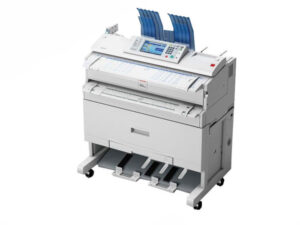
Ricoh Plotter Error Codes: Reference Guide Paper Jam (Error Code: E001, E002) - Open the designated panels and carefully remove the jammed paper. Check the whole paper path. Reload ...
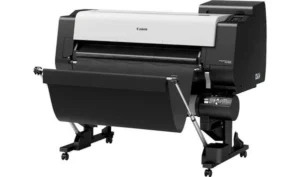
Canon IPF700 Series, IPF800 Series & TX3000 Error Codes: Reference Guide Canon IPF700 Series U052 - Paper Jam - This error indicates that there is a paper jam inside the printer. Check the p...

KIP 3000, 3100 & 7100 Error Codes: Reference Guide Whether you're troubleshooting a paper jam or diagnosing a more serious hardware issue, understanding KIP error codes can save you time and frus...

What should I do if my HP ink says it is expired? Go to “Ink Menu” Click “Replace” Click “Finish & Check” Any jobs in the que will automatically continue. Using ex...
